
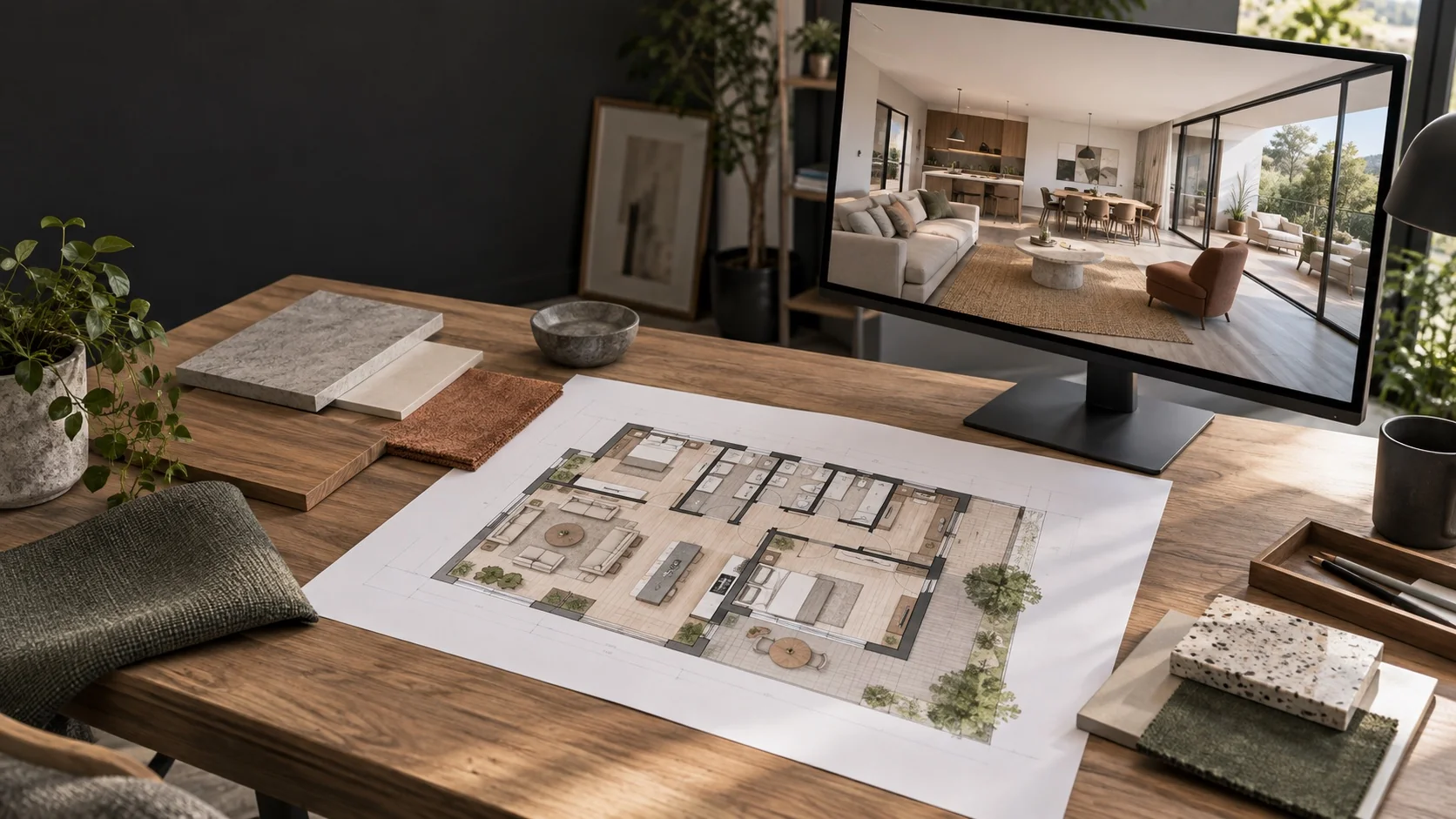
A 2D floor plan helps you understand the layout from above. A 3D interior drawing helps you picture how the finished space may look. Most renovation customers benefit from both because they support different decisions.
The 2D plan is useful for checking whether the space works. The 3D view is useful for checking whether the design feels right.
What can a 2D floor plan help you decide?
A floor plan may show walls, doors, furniture, built-in items and room relationships. Depending on the package, it can also include dimensions and notes.
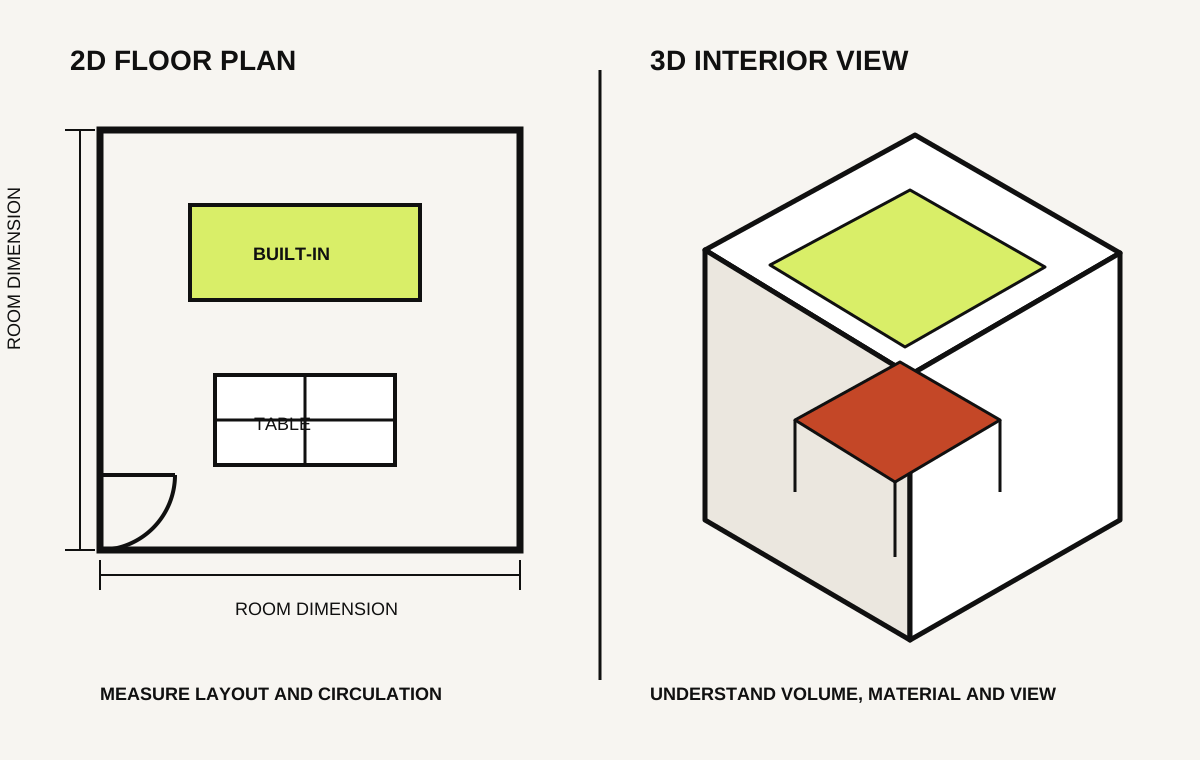
Use it to discuss:
- How people move through the space
- Whether furniture and equipment fit
- Storage and work-area positions
- Door movement and clearances
- Which existing walls or items may change
It is the clearest place to compare different layout options before spending time developing the appearance.
What can a 3D drawing help you decide?
A 3D view shows depth, height and visible surfaces from a chosen position. It can make the design easier to understand if you are not used to reading plans.
Use it to discuss:
- The overall style and atmosphere
- Colours and material combinations
- Cabinetry and feature-wall proportions
- Ceiling and lighting appearance
- How important areas look from entrances or seating positions
Remember that a 3D view is still a proposal. Screen colours can differ from physical samples, and a wide camera angle can make a room feel larger than it is.
Why does a project often need both?
| What you need to review | Most useful starting point |
|---|---|
| Layout, furniture and circulation | 2D floor plan |
| Style, finishes and atmosphere | 3D interior view |
| Heights and vertical details | Elevations or sections |
| Ceiling and overhead fittings | Reflected ceiling plan |
| Construction and installation | Agreed technical drawing package |
A 3D image should not be the only instruction given to a contractor. It may not show hidden dimensions, internal construction, service requirements or every side of an item.
A simple customer review process
Approve the layout first
Check the rooms, circulation, furniture and equipment. Changing the layout later can affect many other drawings.
Develop the visual direction
Use selected 3D views to discuss the areas that matter most. Compare them with actual material samples where possible.
Confirm the technical package
Ask which plans, elevations, sections, details and service drawings will be prepared after the design is accepted.
Keep revisions connected
When something changes, confirm that all affected drawings will be updated. The floor plan and 3D design should not show different versions of the project.
What should you prepare for the designer?
Provide the property plan if available, photographs, a list of required spaces, furniture or equipment to retain, style references, expected budget and target timing.
Explain your daily routines. For a home, this could include cooking, storage, children, pets or accessibility. For a business, include staff, customers, equipment and operational flow.
Questions to ask before you agree to a package
- Is site measurement included?
- How many layout options and 3D viewpoints are included?
- How many review rounds are included?
- Which technical drawings follow the approved design?
- Are physical material selections included?
- What happens if the brief changes later?
Choose drawings around your decisions
Bric & Bricks provides space planning, 3D interior views and coordinated drawing packages for homes and commercial spaces. We can help identify which deliverables are useful for your project and state them clearly in the proposal.
References